baseball pickthem
How to use PickThem

How this works

Every weekend five college baseball series are selected and added to the schedule by the group manager who may elect to pick more series. Managers send messages to indicate when the games are ready.

  • Games are usually available on the Thursday before the weekend
  • There is a deadline to submit picks, usually on Friday by 4pm EST
  • The results are posted on Monday after the weekend series is over
  • The group champion is determined at the end of all the weekend series. On the last week of the season, the person at the top of the standing is the champion
  • Cancelled or Tied Series: For these cases, there are no points awarded. A winner must be selected.

Sign-in or Register Now

Sign In

How to Login

To login, you can register with your email and password or you can use any of the listed social networks.

Join a group to make your picks

You can create a private group by entering a key. You can share this key with friends and invite them to your group. A public group does not required a key.

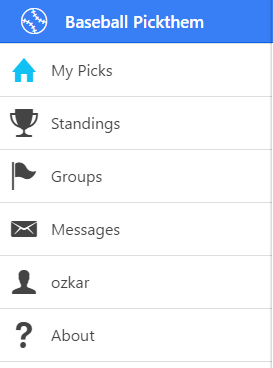
  • Select the Groups menu option
  • Click on the Search Icon
  • Enter a group key when joining a private group.
  • Click the toggle button to join the group

Make your picks

  • Click on My Pick menu option
  • Select the group or if you only joined one group, the group is selected for you
  • Pick the team which you think can win the series
  • Click to save your changes

See my results

The results are usually posted on Mondays. Sometimes a series may extend to Monday night in which case the result is posted on Tuesday.

The Group Manager should update the results by editing the group information and selecting the winner for each game. There is no live feed for the results.
  • Click on Standings
  • Select a group
  • When ready, the results should be posted for the selected week

Managers Update Results

After the deadline, the application allows the manager to set the winner of each series. This should be done Sunday Night or Monday after all games have concluded.

A process updates all the standings once all the results are in. Ideally by Monday Morning unless a game is delayed to Monday.

Send a message

This feature is used to send messages to all the members of your group. Usually a manager will send a message indicating that the games or results are ready.

  • To send a message click on the menu option
  • Write your message and press to send the message

Group Champion

The champion is determined at the end of all the weekend series. On the last week of the season, the person at the top of the standing is the champion.

Cancelled or Tied Series

For these cases, there are no points awarded. A winner must be selected.

About

To access this help page, click on the icon

back to top